
Connecting site payments to Green Invoice — what it actually takes
What happens between the customer pressing pay and the invoice landing in their inbox, and where it breaks in practice.
Published 2026-09-15
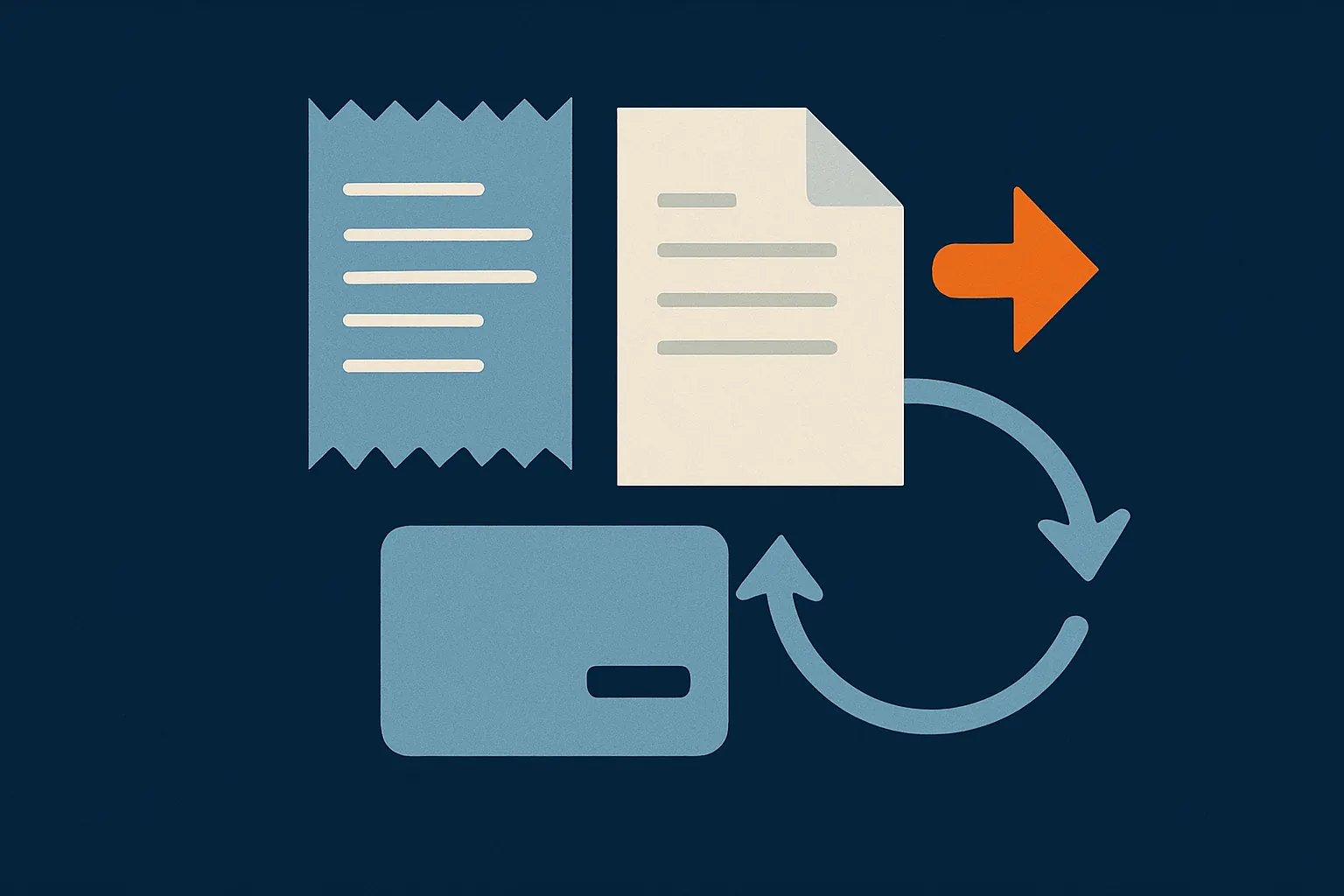
Most businesses starting to take payment online assume the hard part is the card processing. In practice that is the easy part — the provider does the work. What breaks is everything after it: who issues the invoice, when, and what happens if the customer closed the browser halfway through.
What happens between "pay" and the invoice
The process looks like a straight line and is not. The customer approves the payment at the provider, the provider sends them back to your site, and separately — not necessarily at the same moment — sends your server a message saying the payment went through. Those two paths do not always both arrive, and not always in order.
If the invoice is created when the customer returns to your site, you are depending on them actually returning. Someone who closed the tab, lost signal or paid and drove off has paid and has no invoice. You will hear about it from them, by phone, usually at the weekend.
The one rule that matters
The invoice is created from the server message, never from the browser. The browser is only there to tell the customer everything is fine.
Proving the message really came from the provider
That server message arrives at a public address. Anyone on the internet can send a request to it claiming a payment succeeded. Providers therefore sign the message, and your side has to check the signature before it does anything at all.
- Verify the signature against the secret the provider gave you — before any other step
- Confirm the amount and currency match an order you already know about, rather than trusting what was sent
- Treat a duplicate message as the same message: one payment id must never produce two invoices
- Store the raw message, so there is something to inspect when something does not add up
What we learned changing provider mid-project
On one of our projects we started on an international provider and moved to Green Invoice, because the business needed proper Israeli invoices rather than just a payment confirmation. The move taught us two things.
First: keep every line of code that talks to the payment provider in one place. Spread across ten files, changing provider is a project. Kept together, it is a few days of work.
Second: Israeli interfaces work against a token that expires. If you do not cache it and renew it in time, the system fails precisely during the hours when nobody is watching.
Whose name the merchant account is in
This is not a technical detail. The merchant account is opened in your business’s name, the revenue arrives with you directly, and your customers’ receipts carry your name. A supplier offering to route the money through their account and pass it on afterwards is answering a different question from the one you asked.
How we build payments, checkout and invoicing
What to settle before you start
- Who owns the merchant account and the invoicing account
- Whether you need a full invoice or a receipt is enough — and what your accountant says about it
- What happens on a refund: who issues the credit note and how it reaches the customer
- Whether there is a monthly subscription, because a subscription produces a document every month with nobody pressing a button
- Who gets alerted when a payment fails, and what they are supposed to do about it
Most payment problems are not payment-processing problems. They are gaps between what happened at the provider and what your system believes happened. Closing that gap up front saves months of arguing with customers later.
Related services
Have a question about your business?
Tell us what is not working today and we will tell you what is worth building.
हमसे बात करें